Markd.ly
The markdown editor that respects your output.
Write in plain markdown and export it as the document you meant.
Built for writers who ship
If your writing lives in markdown but leaves the app as a polished deliverable — Markd.ly is built for you.
Technical writers & docs engineers
Write once in markdown, publish as HTML, DOCX datasheets, and versioned PDF reference. Drive the whole pipeline from the CLI.
Consultants & analysts
Client reports branded with your custom CSS. DOCX deliverables with styled headers, footers, and page numbers. No Word fighting required.
Academics & researchers
Pandoc to LaTeX with your journal template, your preamble, your BibTeX bibliography. Math renders live while you draft, PDFs build from the CLI.
Long-form writers
Draft a novel or a 200-page handbook as a folder of markdown files. Merge into one clean DOCX for your editor, or EPUB for ARC readers. No Scrivener lock-in.
See what Markd.ly ships
One markdown file. Real deliverables. Every output below was generated from the same 40-line .md source, exported with Markd.ly.
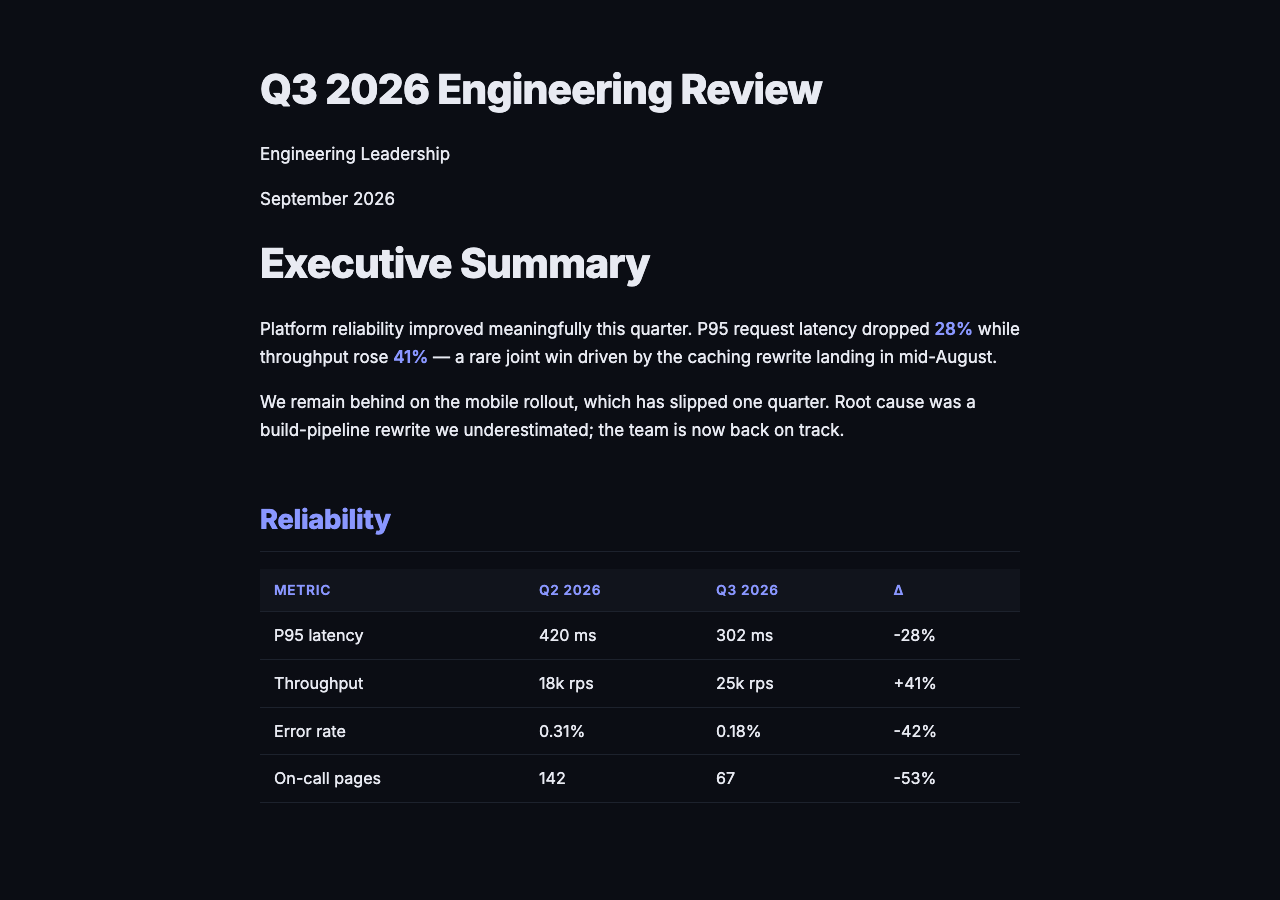
Styled HTML
Custom CSS, your brand colors, shipped as a self-contained file you can host anywhere.

reveal.js deck
Every H1 becomes a slide. Math, code, and Mermaid render live. Your theme, your fonts.
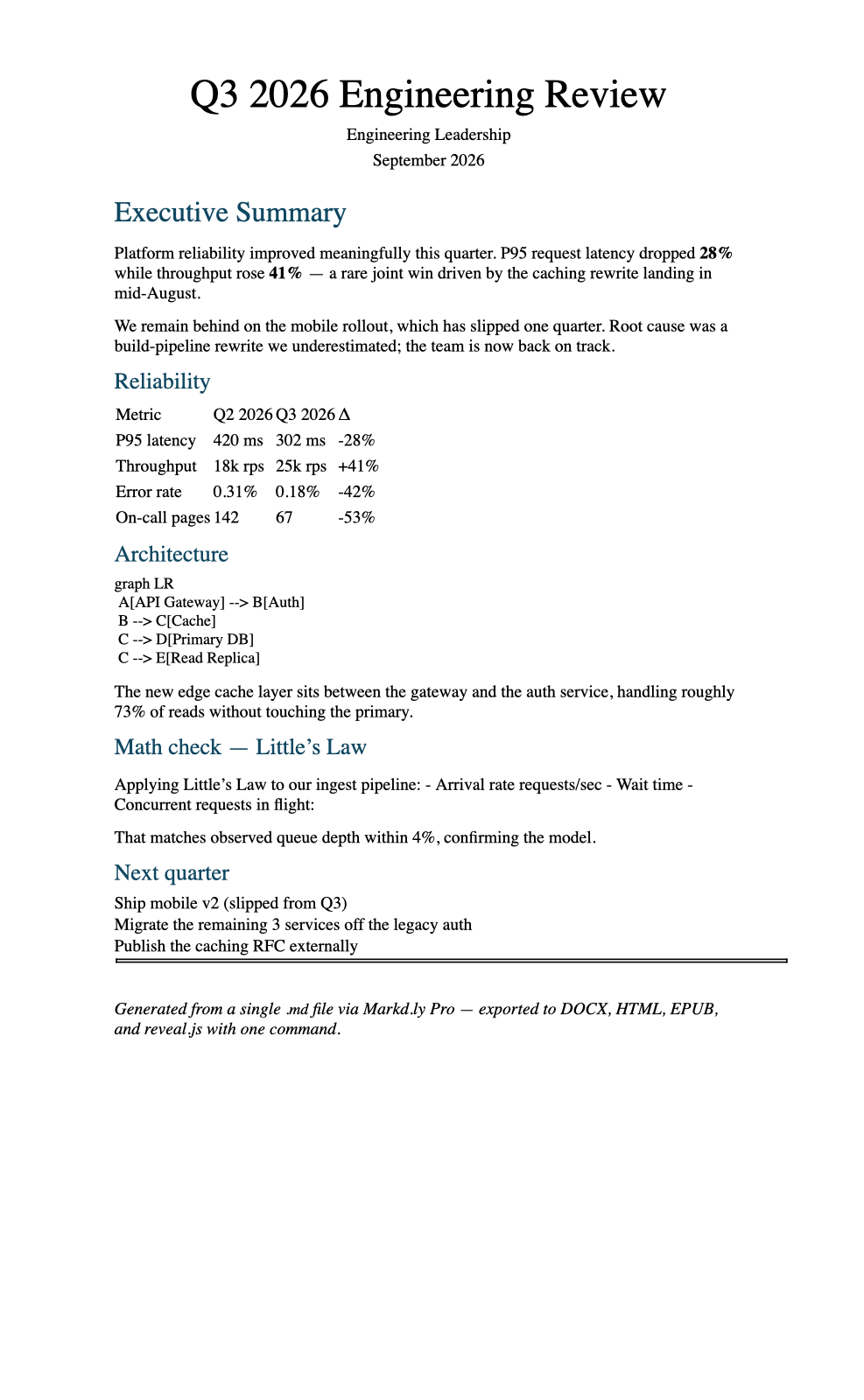
Word DOCX
Clean headings, working tables, proper styles. Hand it to an editor or drop it into a client deliverable.
Also ships: EPUB for ARC readers, LaTeX for journals, PDF for print. Every Pandoc target, from one editor.
Everything in the editor
The complete toolset on Mac, Windows, Linux, iOS, and Android. The full suite is built on each; Windows keeps deepening across 1.x updates.
Native editor, not Electron
SwiftUI on Mac, WPF on Windows. Opens instantly. Sips battery. Feels like your OS.
Mermaid + math
Live-render Mermaid diagrams and LaTeX math inline. Export comes out identical.
Folder-based. No vault.
Your files are .md on disk. Open any folder. Git-friendly. No proprietary format, no lock-in.
HTML + PDF export
Ship clean HTML or print-ready PDF from any document. On Mac, Windows, and Linux.
Pandoc export with templates
DOCX, EPUB, LaTeX, RTF, reveal.js slides, Beamer decks, your template, your preamble, your bibliography. Batch from the CLI.
Custom CSS editor
Write your own export themes, match your brand, and start from curated presets.
Snippets with variables
Library of reusable blocks. Substitute variables at expansion time. Local to this device.
Full vim mode
Not just motions, but registers, macros, ex commands, and visual-block editing.
Encrypted documents
Per-document passphrase with AES-GCM, so the file on disk stays unreadable without the key.
markd CLI
Batch export, scaffolds, quick convert. Desktop only — scripts drive the whole editor.
MCP server
Mac and Linux. Read and write, so agents can browse and edit your notes.
Cross-file search
Search every document in a folder — literal text, regex, filters, and saved queries.
vs. Marked / iA Writer
Markd.ly wins on native desktop editing and export depth on Mac, and it still gives you a real Windows build where Marked does not.
Get Markd.ly
One $19.99 payment unlocks the full editor on Mac, Windows, Linux, iOS, and Android — no subscription. Or get the all-apps bundle and add every premium Bravely utility, every platform.
Pay once
Markd.ly Pro
Markd.ly unlocked on every platform & device
one-time unlock · no subscription
30-Day Money-Back Guarantee
Annual + Bonus
Bravely Premium Annual
all 9 apps, every platform, every device, + the bonus bundle
$95.99 billed annually
30-Day Money-Back Guarantee
✦ Bonus
FREE full access to every premium utility we make — 9 apps in all, all platforms
- Scry— Remote desktop
- PrintScreen.ly— Screenshots & recording
- ASAPDF— PDF edit, sign & share
- + 5 more


Lifetime + Bonus
Bravely Premium Lifetime
all 9 apps, every platform, every device, + the bonus bundle
no subscription · all updates included
30-Day Money-Back Guarantee
✦ Bonus
FREE lifetime access to every premium utility we make — 9 apps in all, all platforms
- Scry— Remote desktop
- PrintScreen.ly— Screenshots & recording
- ASAPDF— PDF edit, sign & share
- + 5 more
One sign-in · instant unlock · sync everywhere. Secure checkout opens right here.
Rolling out Markd.ly to a team? Email support@bravely.dev for volume licensing.
Questions, Answered
Is Markd.ly a note-graph tool like Obsidian?+
No — and that's on purpose. Markd.ly has no wikilinks, no graph, no vault. It is a markdown editor for documents that ship: writing you publish, docs you export, READMEs you polish. If you need a second brain, use Obsidian. If you need documents to look great when exported, use Markd.ly.
What does my purchase unlock?+
One $19.99 purchase unlocks every feature the app has on every platform you install it on, with nothing held back and no add-ons. Not every feature exists on every platform, so here is the honest split. Everywhere: the editor, live preview, Mermaid diagrams and LaTeX math, folder-based files, and cross-file search. Desktop only (Mac, Windows, Linux): Pandoc export with templates, HTML and PDF export, the custom CSS editor, the snippet library, full vim mode, encrypted documents, and the markd CLI. Mac and Linux only: the MCP server. Sign in once and the purchase follows you to all five platforms.
Why one-time? Why no subscription?+
Markd.ly is a tool, not a service. It's a single $19.99 purchase, no renewals — and it covers all five platforms. Prefer the all-apps bundle? The annual ($95.99) and lifetime ($399) plans add every premium Bravely utility on every platform.
How is this different from Marked 2/3?+
Marked is a preview window for another editor. Markd.ly is the editor. Write and export from one app, with real editing surface, not just an HTML viewer.
How is this different from iA Writer?+
Same respect for focus and typography, without the tax. Markd.ly adds deep export tooling on Mac, CLI/MCP hooks, and a Windows build that keeps getting deeper across 1.x.
What happened to MacDown?+
MacDown was great. It was also abandoned years ago. Markd.ly picks up the thread: a simple, native editor on your Mac — and Windows, Linux, iOS, and Android — built for people who ship.
Which macOS and Windows versions?+
macOS 14.0 (Sonoma) or newer for the Mac build. Windows 10 and newer for the Windows desktop app. Native on each.
More on Markd.ly: Ulysses for Windows?·MacDown for Windows?·iA Writer for Android or Linux?
Product updates
Get updates from Markd.ly
New releases, product notes, and useful Markd.ly updates. No noise.